Creating a home office that feels both cozy and productive can greatly improve your work-from-home experience. Whether you’re working remotely full-time or just need a dedicated space for occasional tasks, setting up an inviting and efficient office area is key. Here are some helpful tips to design a home office that supports your focus and keeps you comfortable throughout the day.
Choose the Right Location
Selecting the best spot in your home is the first step. Ideally, pick a quiet corner or a small room with minimal distractions. Natural light is a bonus, so try to find a space near a window—this helps boost mood and alertness. If a separate room isn’t available, create a defined space using room dividers or furniture placement to set boundaries between work and relaxation areas.
Invest in Comfortable Furniture
Comfort is critical for long hours of work. A supportive desk chair that encourages good posture reduces strain on your back and neck. Adjustable chairs or standing desks can provide flexibility. Your desk should be spacious enough to accommodate your computer, notes, and any tools you regularly use without feeling cramped.
Optimize Lighting for Productivity
Lighting plays a big role in how you feel while working. Use a combination of natural light and task lighting. A desk lamp with adjustable brightness helps reduce eye strain, especially during nighttime work sessions. Avoid harsh overhead lighting that can cause glare on your screen. Soft, warm light creates a cozy atmosphere, while cool white light can enhance concentration.
Keep Your Workspace Organized
An organized workspace reduces distractions and helps you stay focused. Use storage solutions such as shelves, filing cabinets, or desk organizers to keep documents and office supplies tidy. Regularly declutter your desk to maintain a clear work surface. Label your storage bins or folders so you can quickly find what you need.
Personalize Your Office Decor
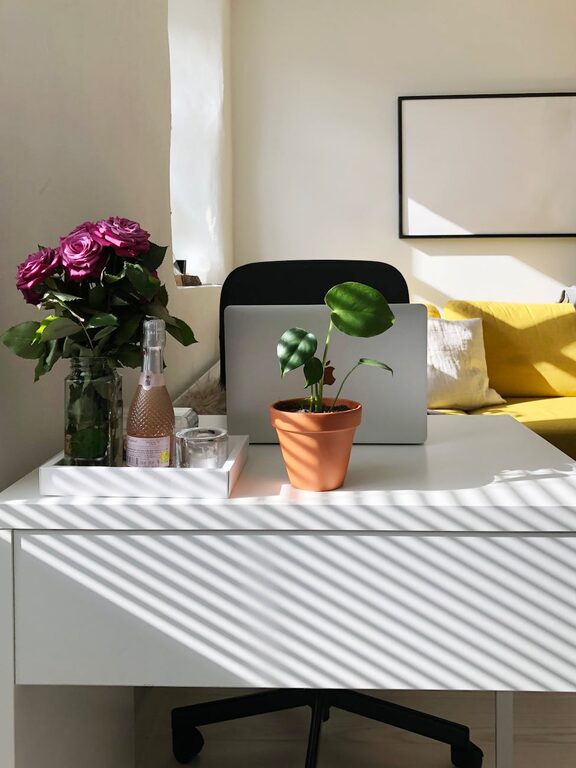
Adding personal touches makes your workspace inviting. Choose colors and decor that inspire you—like calming blues or energizing greens. Incorporate plants to bring nature indoors; they improve air quality and add a fresh, lively vibe. Display meaningful artwork, motivational quotes, or photos to create a positive environment.
Manage Noise and Distractions
Background noise can disrupt your concentration. Consider noise-canceling headphones if your home is busy or noisy. Soft background music or white noise machines can help mask distractions. If possible, set guidelines with family members or roommates about your dedicated work hours to minimize interruptions.
Use Technology and Tools Wisely
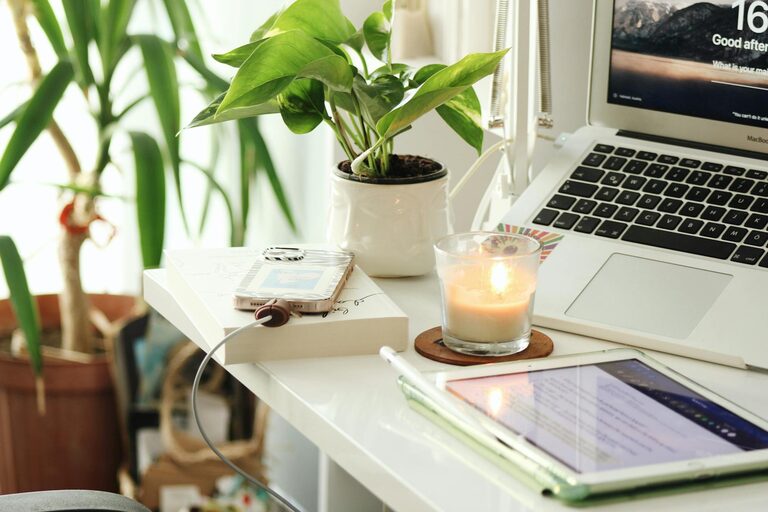
Equip your office with the technology you need to stay productive. A reliable computer, high-speed internet, and necessary peripherals such as printers or scanners ensure smooth workflow. Keep chargers and cables organized with clips or holders. Use apps and software to manage tasks, calendars, and collaborate efficiently.
Incorporate Break and Relaxation Spaces
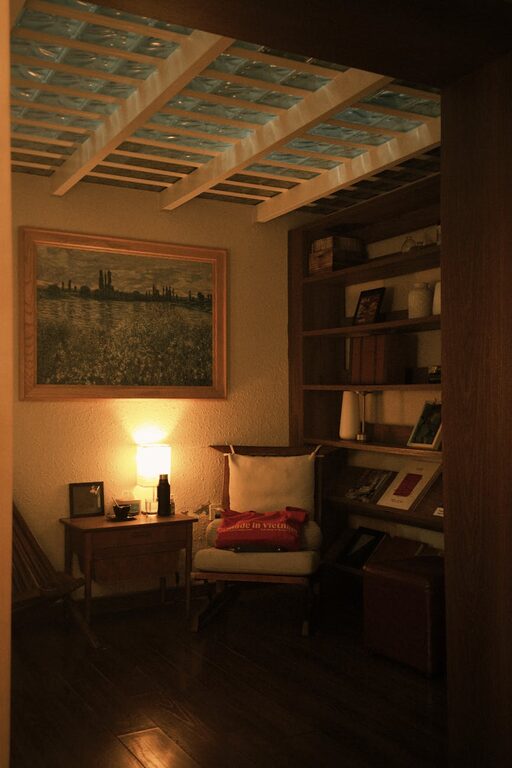
Taking breaks is essential to maintain productivity. If space allows, set up a small area with a comfortable chair or cushion where you can stretch or rest for a few minutes. Taking brief breaks away from your desk can refresh your mind and prevent burnout throughout the day.
Maintain Good Air Quality and Comfort
A well-ventilated room with clean air helps you stay alert. If your space feels stuffy, use a small fan or air purifier. Adjust the room temperature to a comfortable level; working in an overly hot or cold environment can be distracting. Comfortable surroundings encourage longer periods of effective work.
—
By thoughtfully designing your home office with these tips, you can create a space that feels inviting and helps you stay focused. A cozy and productive workspace is essential for your overall well-being and work success when working from home. Take the time to personalize your office and keep it equipped with the right tools and comfort—your productivity will thank you!